Screenshots
While you run
Reads your Expedition panel with OCR and shows live poe.ninja prices in a click-through overlay. Plus a Runeshape planner that does the combo math while you run.
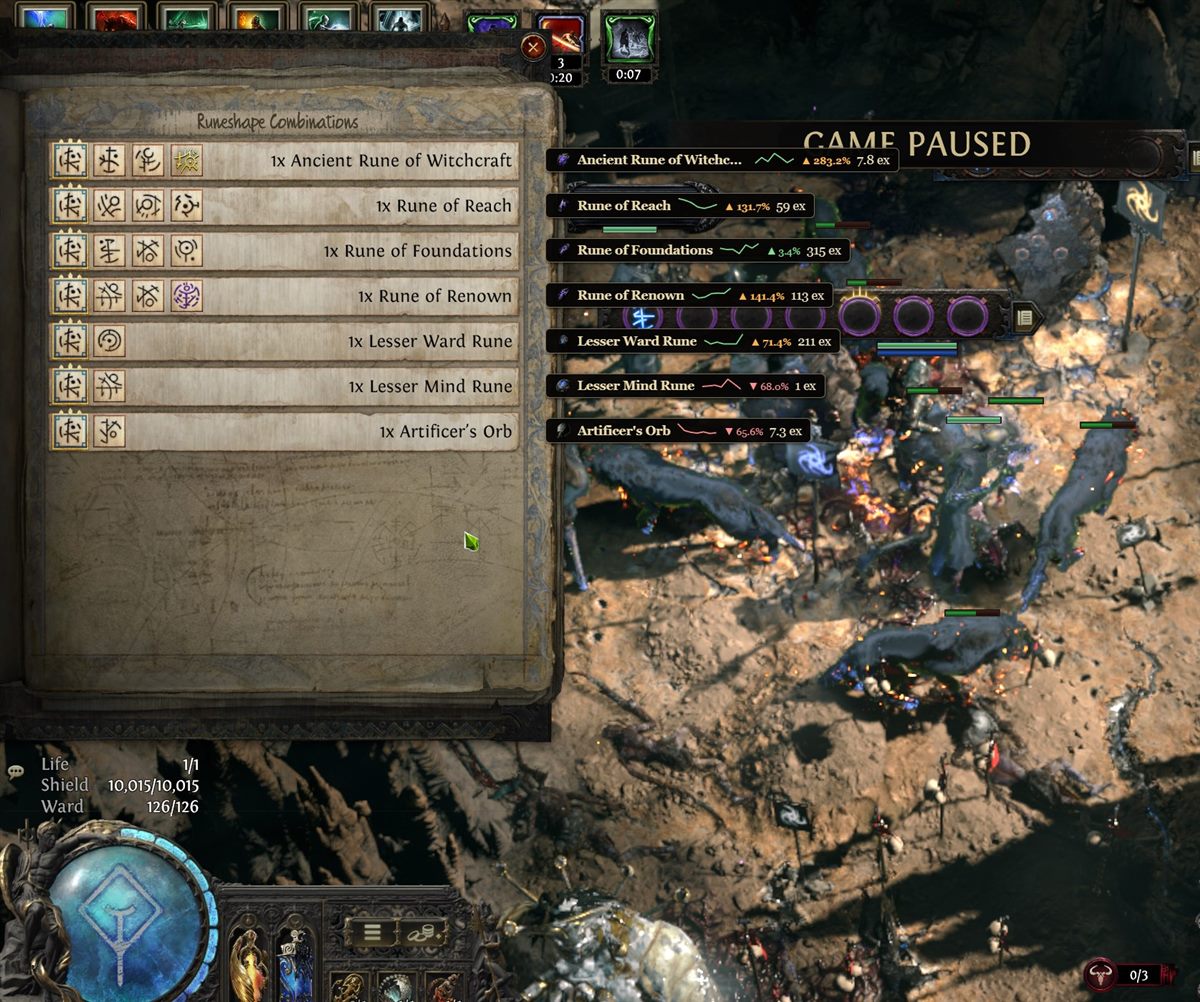
The app captures the reward panel, reads the item names locally, and asks poe.ninja for the current value. Nothing is uploaded, and the mouse never leaves the game — the overlay is click-through.
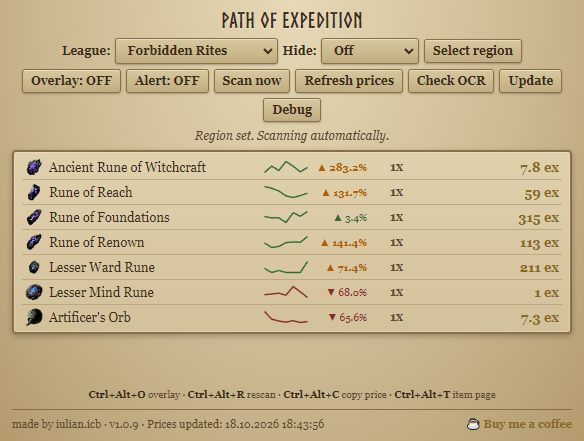
Draw the price list straight over the game, or keep it in a compact window. Same data, two layouts.
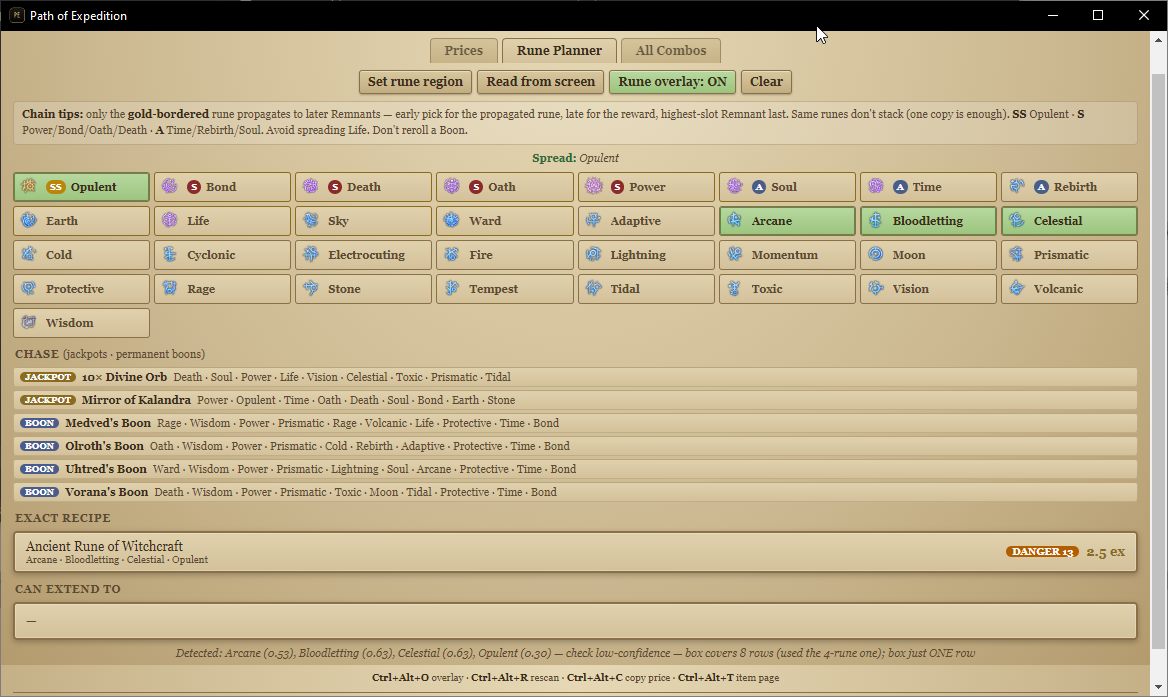
Pick your runes and see the exact recipe, what it can extend to, and which jackpots are worth chasing.
Every combination is tagged with category, danger level and live price, so you can skip the bait.
It detects the language your game runs in and opens in it automatically.
OCR and image processing run on your machine. The only outbound requests are the price lookups. No account, no telemetry, no uploaded screenshots.
Not affiliated with, endorsed by, or sponsored by Grinding Gear Games or poe.ninja. “Path of Exile” is a trademark of Grinding Gear Games.